Apache APISIX
Open-source deployment control
Run the Apache 2.0-licensed gateway in infrastructure you control and extend it through its open plugin model.
Apache APISIX AI Gateway
Use Apache APISIX as an open-source AI and LLM gateway for multi-provider proxying, load balancing, retries, token limits, prompt controls, RAG, and gateway-level observability.
One gateway, two workloads
Keep the routing, security, observability, and operations model your teams already use while adding LLM traffic.
Apache APISIX
Run the Apache 2.0-licensed gateway in infrastructure you control and extend it through its open plugin model.
100+
Authentication, traffic control, observability, serverless, and AI plugins.
Compose documented AI plugins for provider access, routing, token controls, retrieval augmentation, prompt processing, moderation, and gateway logging.

AI Gateway explained
An AI gateway is a traffic control layer between applications and model providers. It gives teams one place to apply provider access, routing, usage limits, prompt processing, and telemetry to model requests.
Apache APISIX applies configured policies to AI and LLM traffic that passes through the gateway. Application authorization, tool selection, workflow state, agent orchestration, and model-quality evaluation remain responsibilities of the surrounding application stack.
| Requirement | APISIX plugin | What it configures |
|---|---|---|
| Connect to model providers | ai-proxy | Proxy requests to documented providers and OpenAI-compatible endpoints. |
| Route across model instances | ai-proxy-multi | Configure load balancing or semantic routing; retry and health-check behavior depends on the selected algorithm. |
| Control token consumption | ai-rate-limiting | Count provider-reported token usage and reject subsequent requests after the configured quota is consumed. |
| Add retrieval context | ai-rag | Use the documented Azure OpenAI and Azure AI Search RAG flow. |
| Check prompt patterns | ai-prompt-guard | Allow or deny requests using configured regular-expression patterns. |
| Cache completed responses | ai-cache | Pair with ai-proxy or ai-proxy-multi for Redis-backed exact and optional semantic caching. |
| Inspect supported AI traffic | ai-lakera-guard | Pair with ai-proxy or ai-proxy-multi to inspect supported traffic through the Lakera Guard v2 API. |
Architecture

Built for production AI traffic

Use weighted round robin or consistent hashing, or configure semantic routing from prompt similarity to per-instance examples.
View plugin docs
Track provider-reported token usage with local or Redis-backed counters, then reject subsequent requests after the configured quota is consumed.
View plugin docs
Augment requests with context retrieved through the plugin's documented Azure OpenAI and Azure AI Search integration.
View plugin docs
Record model, latency, token usage, and time-to-first-token summaries when AI proxy logging is enabled.
View plugin docs
Configure bounded retries and fallback strategies for selected upstream failures without changing application endpoints.
View plugin docs
Apply allow and deny patterns with Prompt Guard, and compose separate plugins for templates, decoration, or moderation.
View plugin docs
With ai-proxy or ai-proxy-multi, cache completed LLM responses using Redis-backed exact matching and optional semantic matching.
View plugin docs With ai-proxy or ai-proxy-multi, use the Lakera Guard v2 API to inspect supported LLM requests, responses, or both.
View plugin docsProvider choice
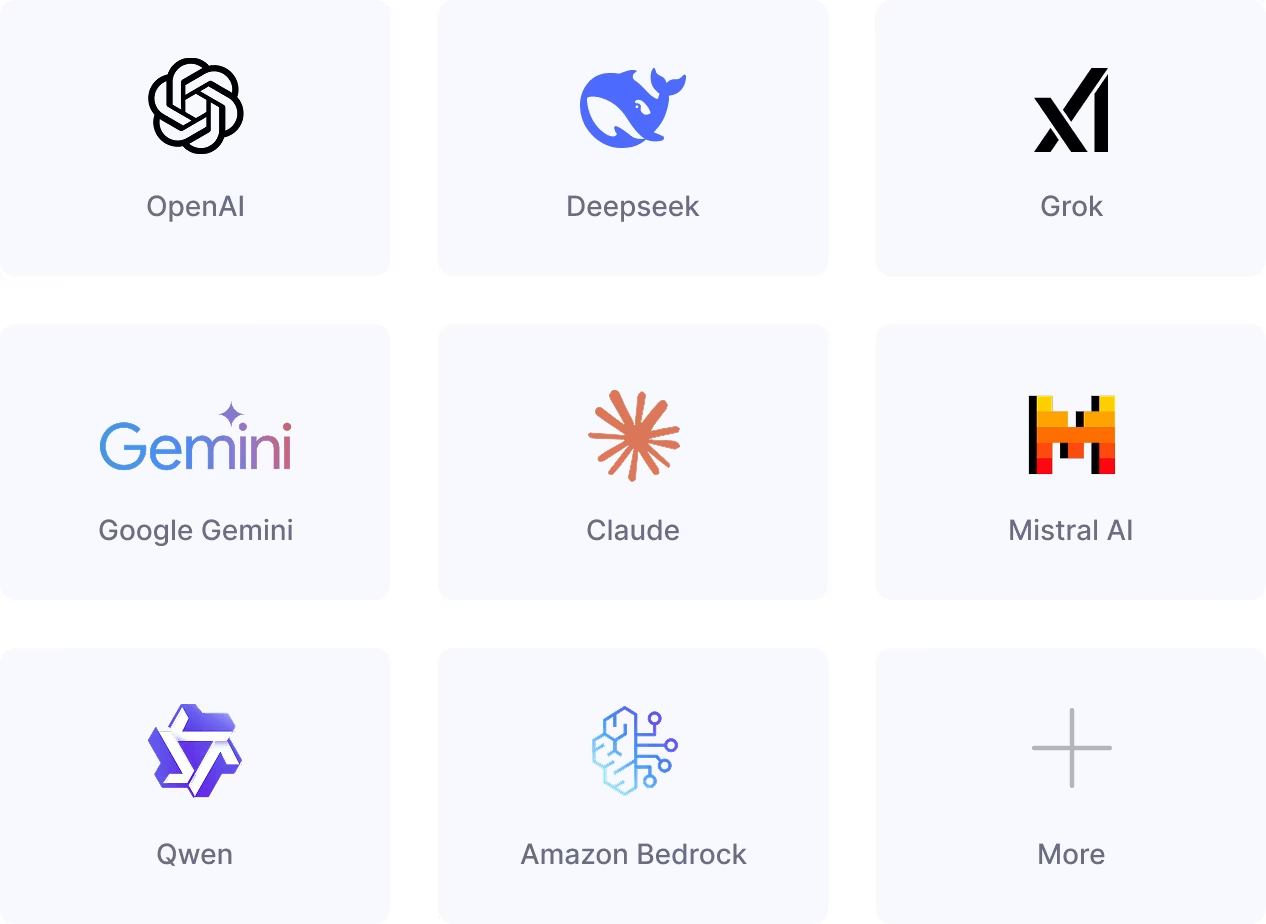
Connect the providers documented by the AI Proxy plugin, or use an OpenAI-compatible endpoint for additional hosted or self-managed services. Provider selection follows the routing policy you configure.
See the AI Gateway capabilities What is an AI gateway? Read the AI Gateway learning guide Explore the AI proxy plugin docs